
These lights will sometimes flicker randomly after being damaged. Check the "References - FAQ" section for details on the technicalities of lighting effects.
Flickering Ceiling Lights when Shot
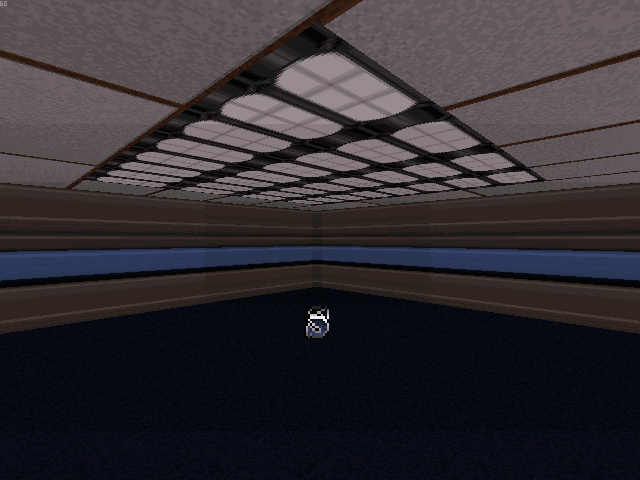
Create the sector which will flicker randomly in brightness. Choose a breakable light texture for the ceiling. The shade of the sector will show when the light is off. Tag the ceiling [Channel,0]. Place an S[Channel,3] in the sector. The shade of the S determines the appearance of the sector when the light is on.
Flickering Wall Lights when Shot
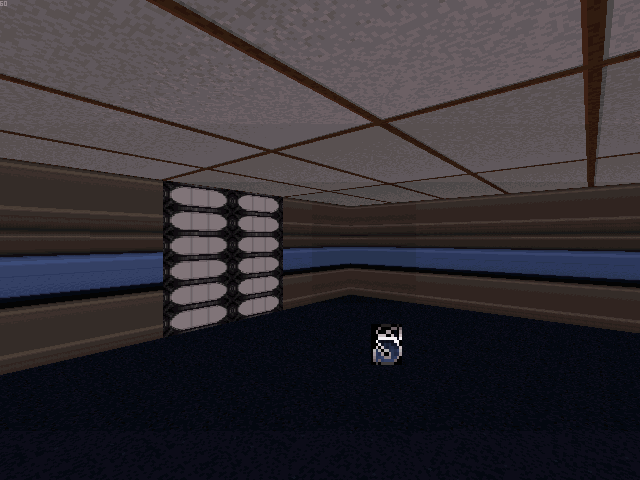
Create a room which will flicker randomly in brightness, and attach a small sector to be the breakable wall light.
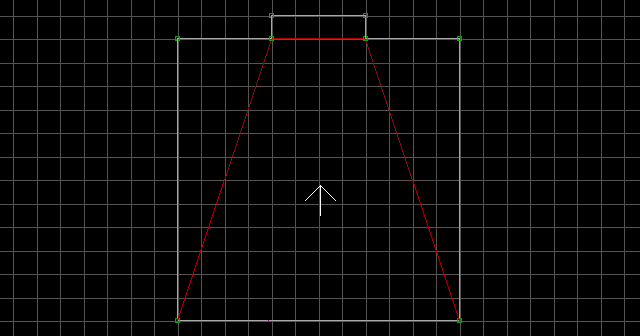
Lower the light sector's ceiling down to the floor and texture the wall with a breakable light. Tag the wall [0,Channel]. The shade of the sector will show when the light is off. Place an S[Channel,3] in the sector. The shade of the S determines the appearance of the sector when the light is on.
Notes:
- Flickering Lights swap the effect of palettes. The palette of the sector will show when the light is on, and the palette of the
Sdetermines the appearance of the sectors when the light is off. - For this particular effect, the wall palettes will be permanent.
- It is possible to combine this effect with the Switch-Activated Light effect and it will function as usual until the lights are damaged.